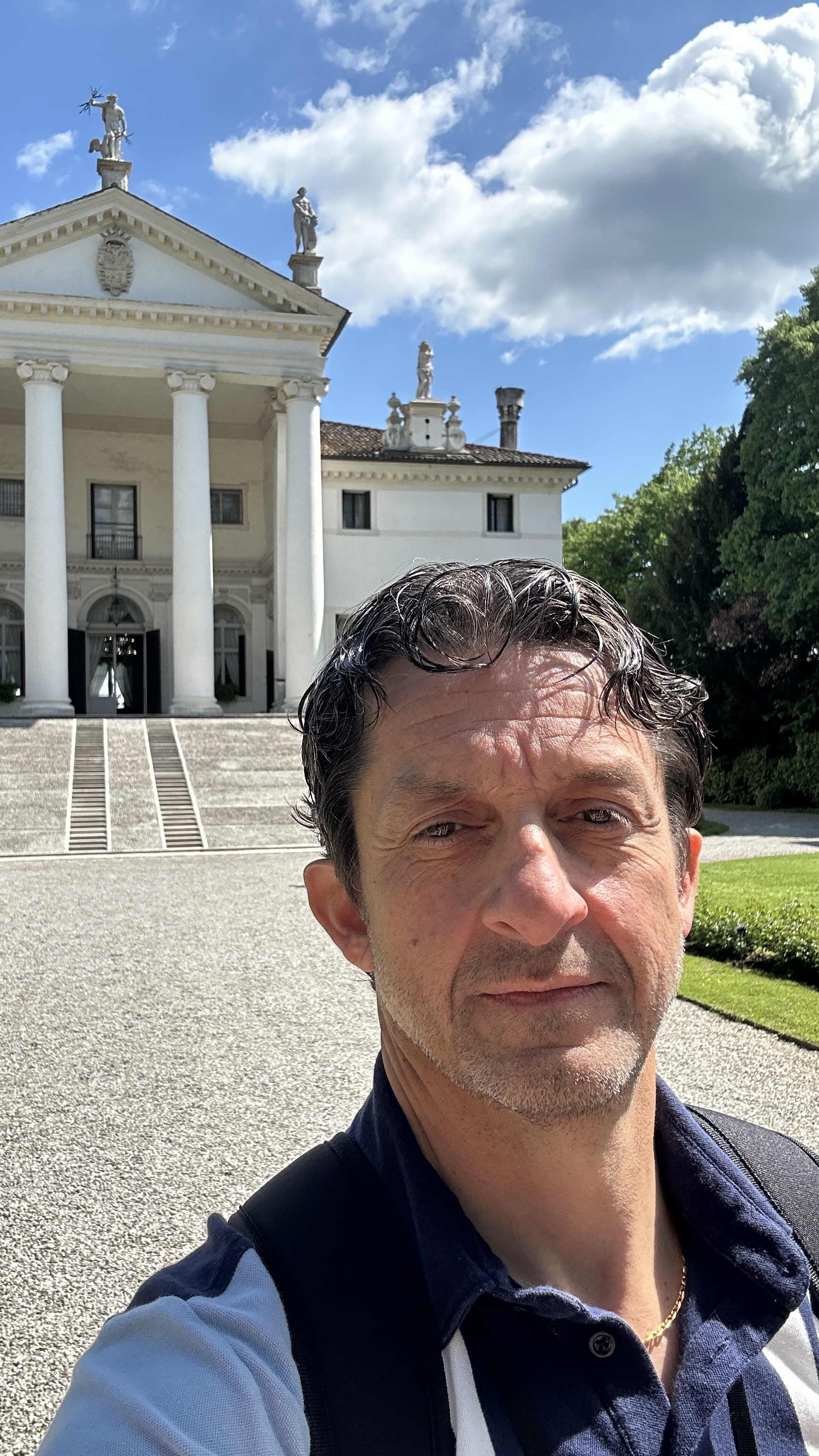
Dr. Leonardo Lombardini is Professor and Head of the Department of Horticulture at the University of Georgia – one of the nation’s leading horticulture programs – where he provides strategic leadership for academic programs, research initiatives, and outreach activities aimed at strengthening the horticulture workforce. He brings more than two decades of experience spanning higher education, international agriculture, and industry-relevant research.
Dr. Lombardini is an internationally recognized scholar, having authored or coauthored 65 peer-reviewed publications and delivered more than 100 presentations worldwide. His research program focuses on plant physiological responses to abiotic stress, with particular emphasis on woody ornamentals, fruit crops, and specialty crops. His work has advanced understanding of plant adaptation to challenging environments and has contributed to more sustainable horticultural production systems. Dr. Lombardini’s scholarship has been supported by competitive funding and has had broad relevance across academic, industry, and international contexts. His work has informed both academic audiences and stakeholders across the horticulture value chain.
Equally central to Dr. Lombardini’s career is education and workforce development. He has taught a wide range of undergraduate and graduate courses and has mentored numerous students who now hold leadership, research, and technical positions in industry, academia, and public service. He has been deeply engaged in experiential learning, study-abroad programs, and interdisciplinary training designed to attract and prepare the next generation of horticulture professionals.
Dr. Lombardini has held multiple leadership roles, including serving as the founding Director of the Center for Coffee Research and Education at Texas A&M University, where he worked closely with producers, industry partners, and international organizations to address global supply-chain challenges. His leadership and service have been recognized with several honors, including the 2025 Outstanding Leadership and Administration Award from the American Society for Horticultural Science (ASHS), the 2012 J. Creighton Miller, Jr. Distinguished Educator Award, and the 2025 Paul Smeal Leadership and Administration Award from the Southern Region American Society for Horticultural Science (SR-ASHS).
Dr. Lombardini is committed to advancing horticulture through education, outreach, and strategic leadership and is eager to contribute these perspectives in service to Seed Your Future’s mission.